Product Info
Description
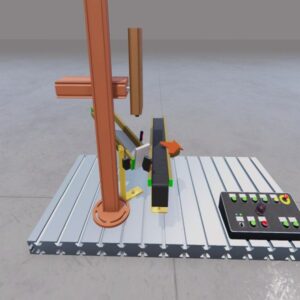
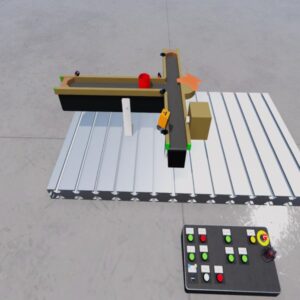
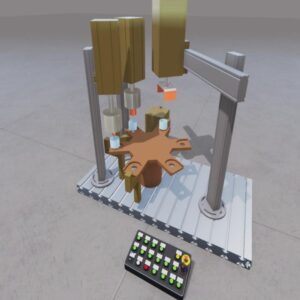
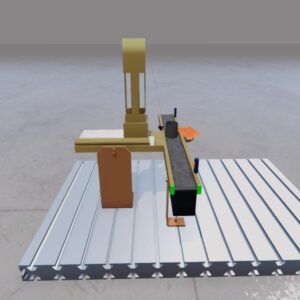
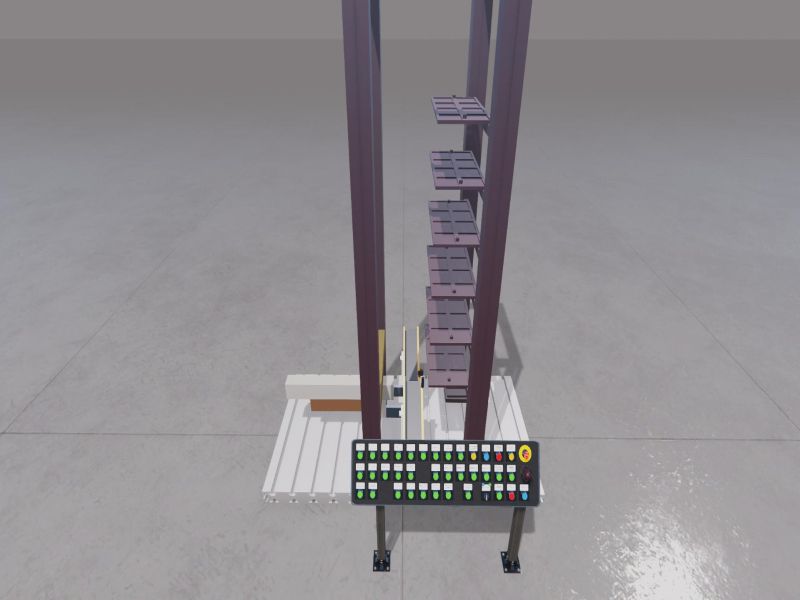
Training system for educational purposes.
Manage the picking of the parts based on the request from the control panel.
Use the gantry with the grippers to pick up the parts at the input station.
Activate the lighting to read the color of the part with the optical sensor.
The parts must be sorted on the shelves according to their color.
Includes
Store system machine
Installing Instruction
1. Download the file.
2. Unzip it
3. Open Machines Simulator Editor and select File -> Unpack Machine
4. Select the path where is located the pck file and click Load button. The machine wil be ready to use.
Dependences
None

Educational Model #Store
Store system
15,00 €
MS Minimun Required Version: v4.4