Product Info
Description
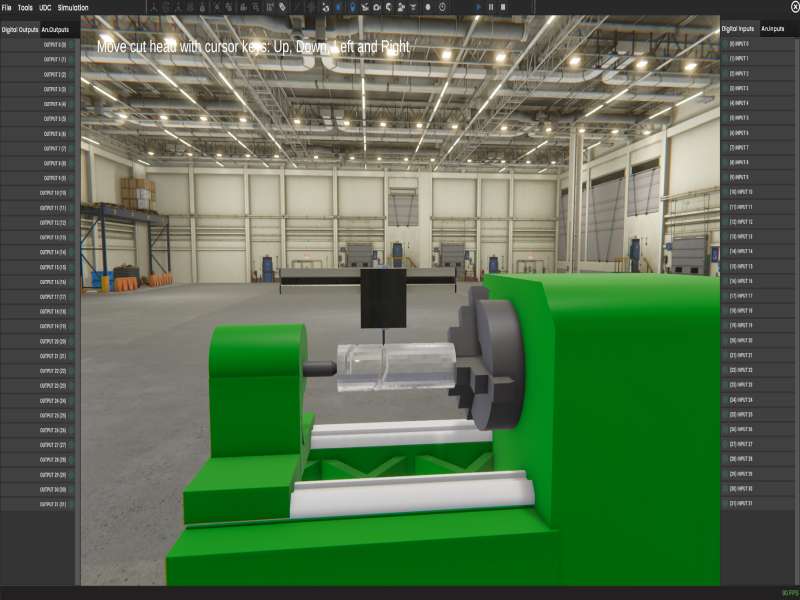
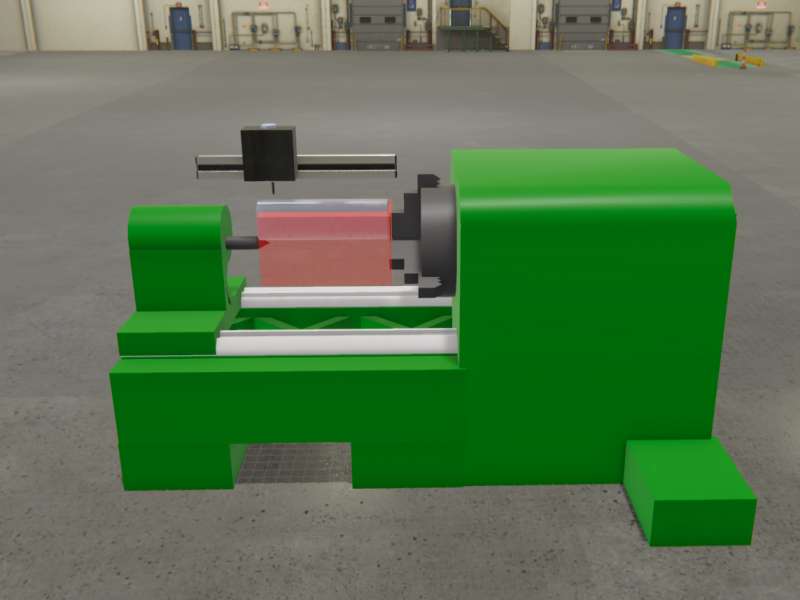
Attached is an example of how the new CNC TOOL special effect can be used, simulating the cutting of a cylindrical part by a CNC machine.
Includes
Machine file
Installing Instruction
1. Download the file.
2. Unzip
3. Copy the all the files in your Machines Simulator 5 -> MyMachines
(By default C:NirtecMachines Simulator 5 -> MyMachines)
Dependences
None

CNC Tool Example
CNC Tool Example
0,00 €
MS Minimun Required Version: v5.0