Product Info
Description
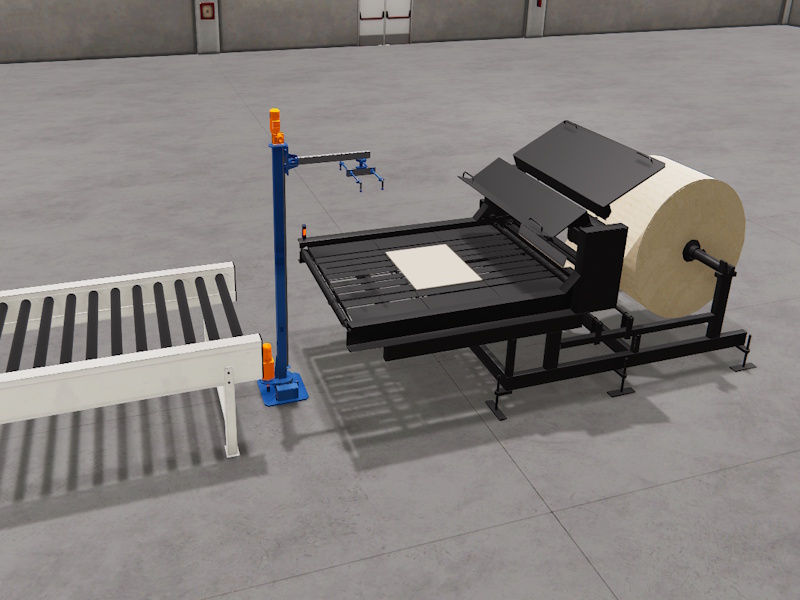
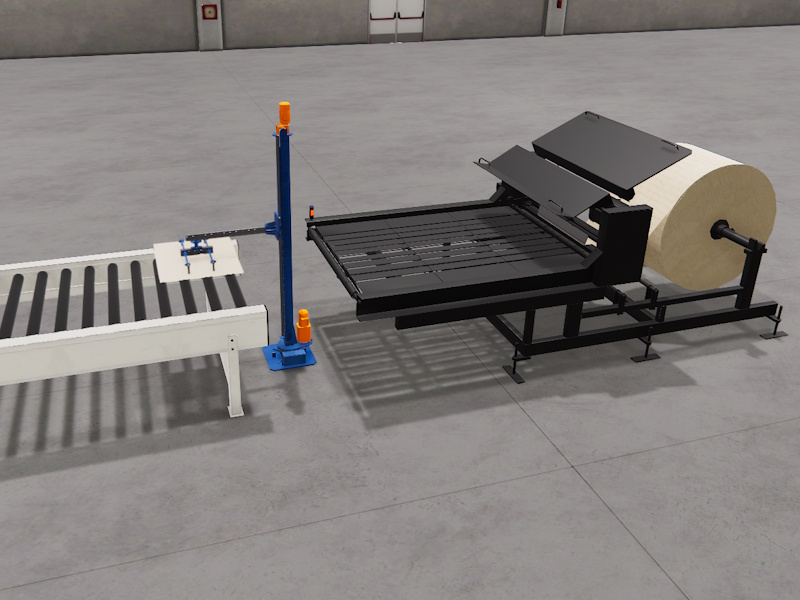
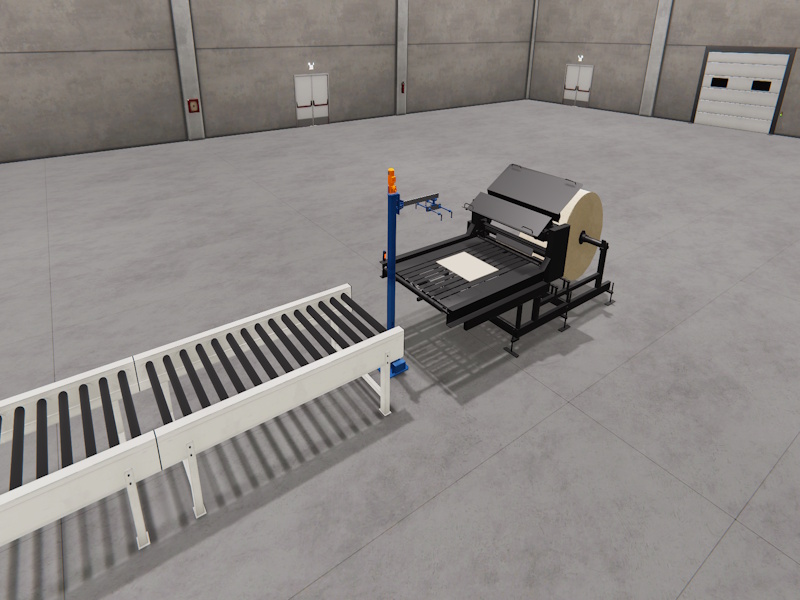
Includes a scene with two new components added to the Machines Simulator library (Category: Built in Systems).
The purpose of this system is to cut 1-meter-long sheets of cardboard.
Once the sheets are cut, the dispenser is used to transfer the cardboard to the output conveyor belt.
Includes
- Dispenser component
- Manipulator Component
- Machine scene with dispenser and manipulator components with demo program showing how to operate it.
Installing Instruction
1. Download the file.
2. Unzip it
3. Copy the Paper Machine.pck file in your Machines Simulator4 -> My machines Folder
(By default C:Nirtec -> Machines Simulator 4 -> MyMachines)
4. Open Machines Simulator editor, go to File -> Unpack Machine. Select Paper Machine.pck anc click Load Button.
5. Now the machine scene and components will be available in your library
Dependences
- None

Paper Machine
Paper Machine Scene
20,00 €
MS Minimun Required Version: v4.4