Product Info
Description
Programming example for real PLCs.
Includes problem statement and solutions for three automation systems:
-EasyPLC (Nirtec)
-TIA PORTAL v.15 (Siemens)
-RSLogix 5000 (Rockwell)
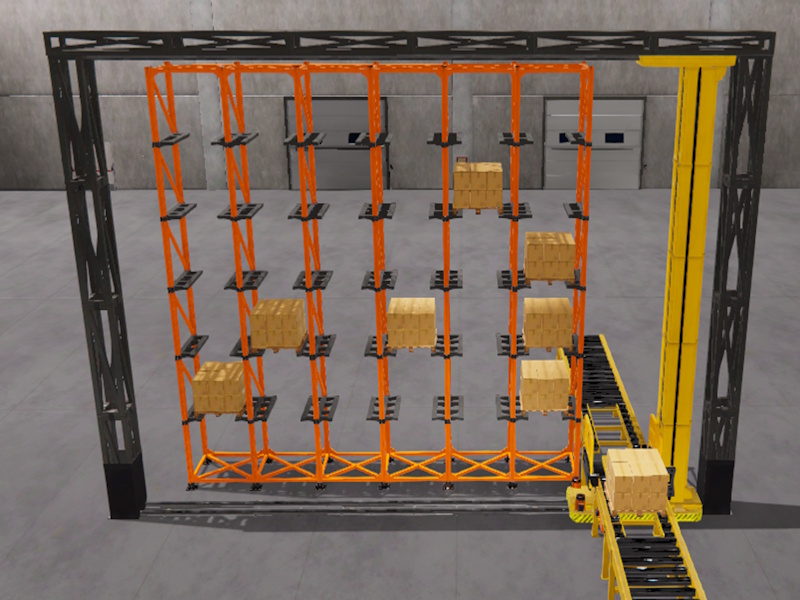
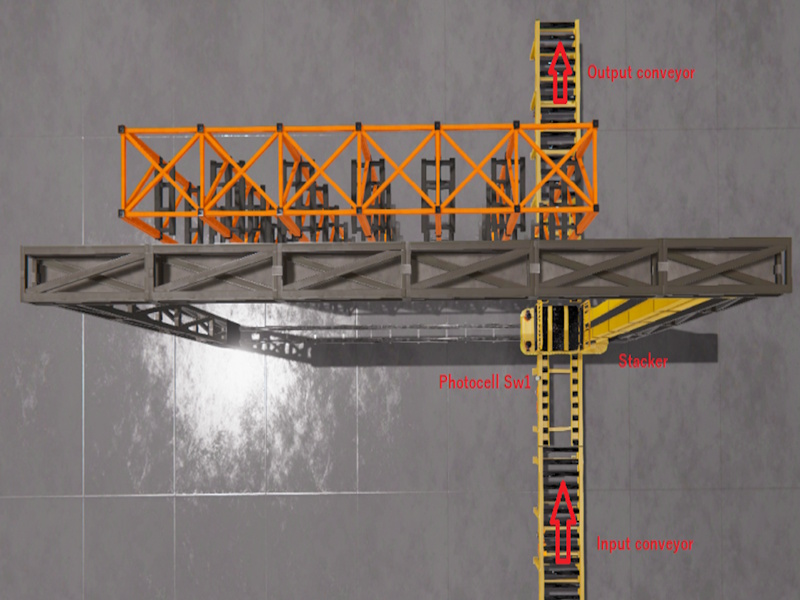
The goal is to store the pallets of goods in the automated warehouse using the stacker. When a pallet is available, the loading position must be entered manually by the operator, using an HMI system, to indicate to the stacker in which position to store it. There should also be the possibility of selecting the number of warehouses to unload a pallet manually.
Operating instructions for the proposed system:
The loading pallets will come through the entrance conveyor, once in the loading position, will be detected by the photocell SW 1, then the HMI system should inform the operator that there is a pallet available to load. The operator must manually enter in the HMI, the warehouse number where the pallet should be stored. Once selected, the operator will press a command button to activate the stacker. the stacker will store the pallet in the indicated rack.
There must also be an option in the HMI to select the warehouse number (rack) where to unload a pallet, by entering this number and pressing the unload command button, the stacker will go to the selected position and deposit the pallet on the output conveyor.
The HMI must contain a map with the numbering of the warehouses (for easy location by the operator), two buttons (to start the system and stop it), it will also have a counter to indicate the pallets stored in the warehouse.
(This exercise is part of the Tutorial Manager package where you can find 20 completed and solved automation exercises)
Includes
- Machine file for Machines Simulator
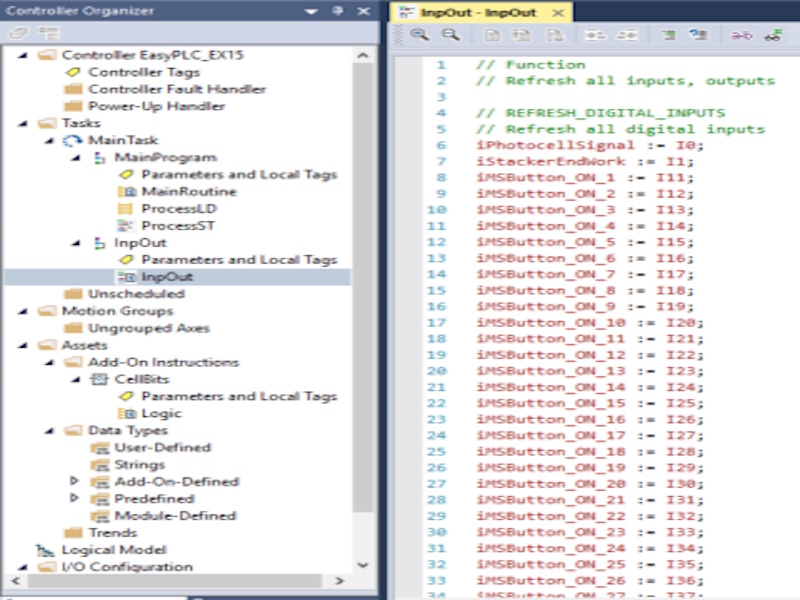
- EasyPLC PLC program
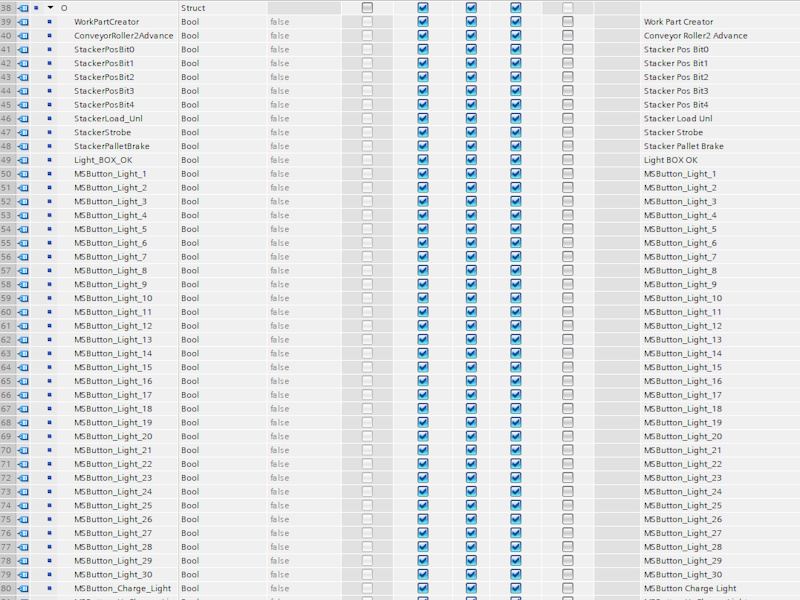
- Siemens TIA PORTAL solution (with Machines Simulator preconfigured communication driver)
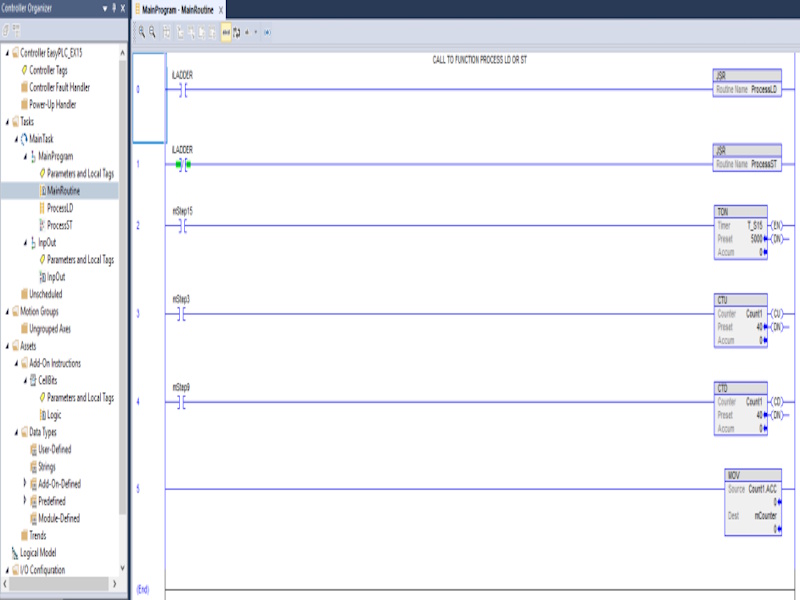
- RSLogix 5000 solution (with Machines Simulator preconfigured communication driver)
- RTF Text document with the instructions of the problem to be solved
- RTF Text Documents with explanations of how the programming for each of the systems has been resolved
Installing Instruction
Download the file.
Unzip it.
You will find three different folders:
-AB
-EasyPLC
-Siemens
Inside each folder you will find:
- The text files with explanations and solutions for each problem
- The . maq file, which you must copy to the Machines Simulator 4 -> MyMachines folder
(Default: C: -> Nirtec -> Machines Simulator 4 -> MyMachines)
- For TIA PORTAL and RSLogix 5000, you will find the driver configuration files with Machines Simulator.
You must copy this file with the .drv extension to the path: Machines Simulator 4 -> Drivers
(Default: C: -> Nirtec -> Machines Simulator 4 -> Drivers)
- And the project files for each automation software.
Dependences
None

PLC Programming Exercise #5
PLC Programming Exercise #5
20,00 €