Product Info
Description
Programming example for real PLCs.
Includes problem statement and solutions for three automation systems:
-EasyPLC (Nirtec)
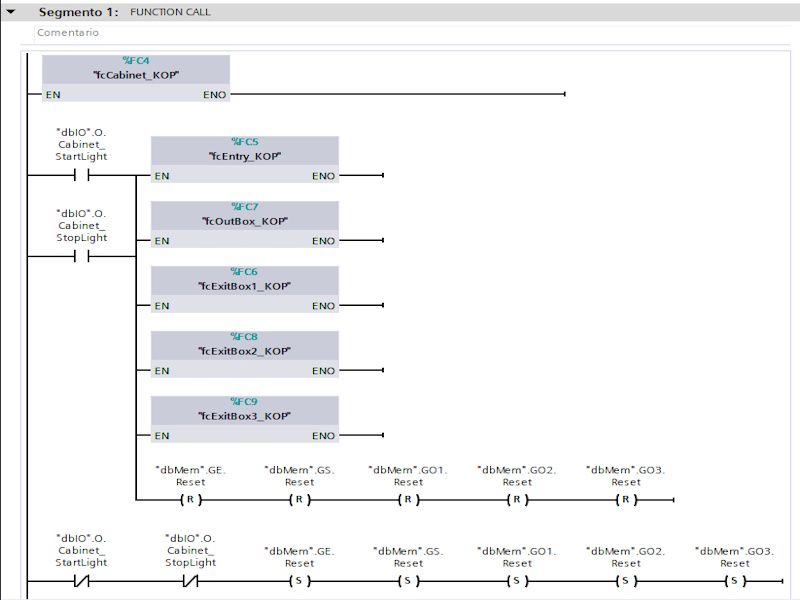
-TIA PORTAL v.15 (Siemens)
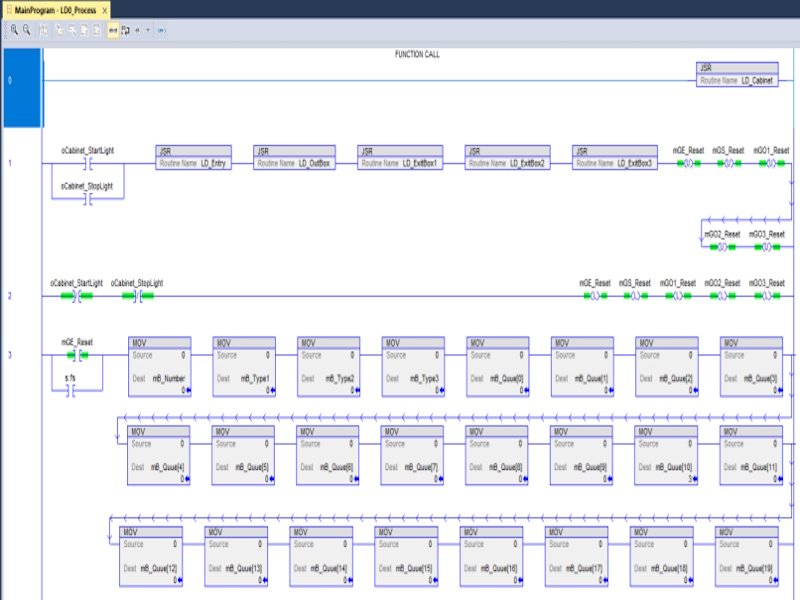
-RSLogix 5000 (Rockwell)
The objective is to classify the three part types using only one capacitive sensor.
Operating instructions for the proposed system:
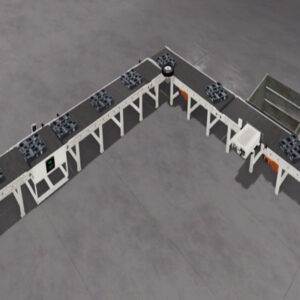
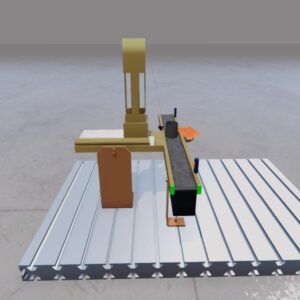
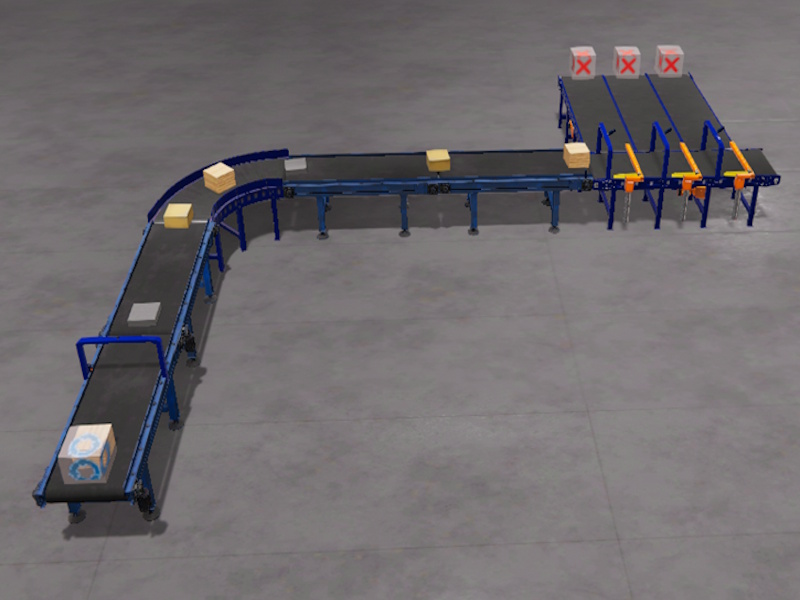
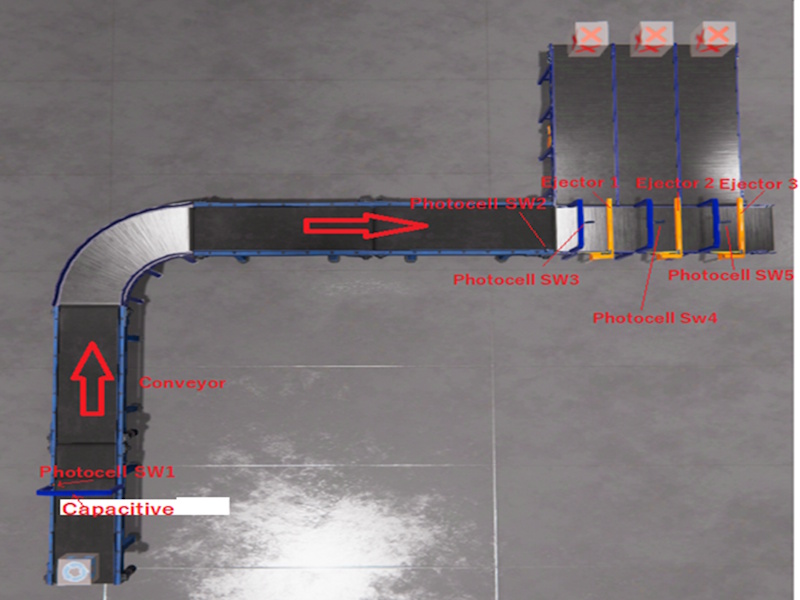
Three types of pieces will circulate through the conveyor, each one of a specific material and height, a capacitive sensor will be used to detect the height of each piece, which must be activated when the piece is detected by the SW1 photocell.
The pieces will circulate through the conveyor and will be classified upon reaching the classification area with the three ejection systems.
The capacitive values for each piece are:
Cardboard Part -> value: 0.474
Wood Part -> value: 0.374
Metal Part -> value: 0.624
The part classification must be as follows:
– The wood parts must be ejected by Ejector 1
– The cardboard parts must be ejected by Ejector 2
– The metal parts must be ejected by Ejector 3
Use a queue data structure to manage the part data in order when the parts arrive to the classification positions, the queue will be read to classify the part.
(This exercise is part of the Tutorial Manager package where you can find 20 completed and solved automation exercises)
Includes
- Machine file for Machines Simulator
- EasyPLC PLC program
- Siemens TIA PORTAL solution (with Machines Simulator preconfigured communication driver)
- RSLogix 5000 solution (with Machines Simulator preconfigured communication driver)
- RTF Text document with the instructions of the problem to be solved
- RTF Text Documents with explanations of how the programming for each of the systems has been resolved
Installing Instruction
Download the file.
Unzip it.
You will find three different folders:
-AB
-EasyPLC
-Siemens
Inside each folder you will find:
- The text files with explanations and solutions for each problem
- The . maq file, which you must copy to the Machines Simulator 4 -> MyMachines folder
(Default: C: -> Nirtec -> Machines Simulator 4 -> MyMachines)
- For TIA PORTAL and RSLogix 5000, you will find the driver configuration files with Machines Simulator.
You must copy this file with the .drv extension to the path: Machines Simulator 4 -> Drivers
(Default: C: -> Nirtec -> Machines Simulator 4 -> Drivers)
- And the project files for each automation software.
Dependences
None

PLC Programming Exercise #7
PLC Programming Exercise #7
20,00 €
MS Minimun Required Version: v4.4